

By CodePulse Studios | Tools & Process | 6 min read
5 Free Tools We Use at CodePulse Studios
—
Every studio has a graveyard of subscriptions they forgot to cancel. That $29/month tool someone signed up for during a late-night sprint. The “annual plan” that auto-renewed six weeks ago. The project management app nobody actually uses but everyone’s afraid to delete.
We’ve been there.
Over the years, we’ve become ruthless about one thing: if a free tool does the job well, we don’t pay for the upgrade. Not out of frugality — out of principle. Paying for software you don’t fully use is just burning money that should go into your product.
Here are the five free tools that power CodePulse Studios every day, why we chose them, and who else should be using them.
—
1. Figma — design without the drama
If you’re building digital products and you’re not using Figma, you’re working harder than you need to.
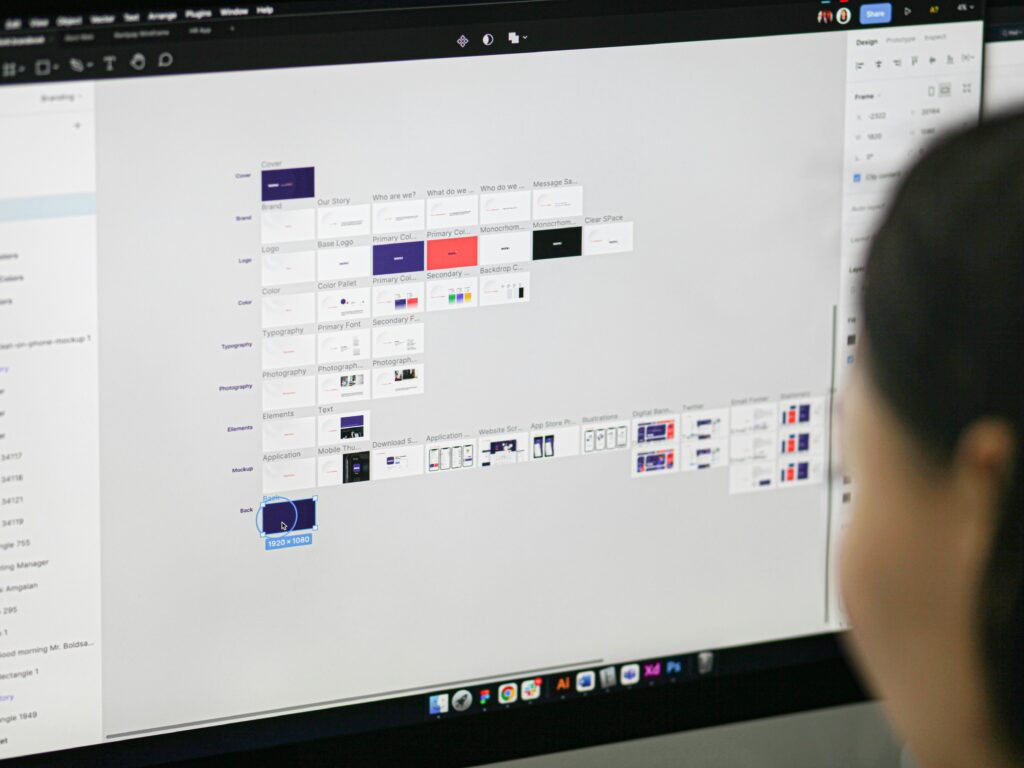
Figma is a browser-based design tool for UI/UX work — wireframes, high-fidelity mockups, interactive prototypes, the whole process. What makes it special isn’t the feature list. It’s the fact that everything happens in real time, in one shared file, with zero version conflicts.
At CodePulse, Figma is where every project begins. Before a single line of code is written, the design lives in Figma. Our clients get invited to the file, they can leave comments directly on the design (“can this button be bigger?” right next to the button in question), and our developers get a pixel-perfect handoff without a single back-and-forth email.
We used to spend hours in feedback loops. A client would email a screenshot with annotations. We’d make changes, export another screenshot, email it back. Figma collapsed that entire process into a single shared link.
The free tier covers: 3 projects, unlimited collaborators, full design and prototyping features.
Honest caveat: Version history is limited on the free plan. For longer projects, you’ll want to manually save milestone versions.
Best for: founders, designers, product managers, and dev teams who want clients involved in the design process — not just handed a finished mockup.
—
2. Linear — project tracking that doesn’t get in the way
Most project management tools are built for managers, not makers. They’re full of fields to fill in, statuses to update, and dashboards nobody checks. The more complex the tool, the less your team actually uses it.
Linear is different. It was built by people who were frustrated with Jira — and it shows.
Issues open instantly. The keyboard shortcuts work. The interface doesn’t fight you. And it’s fast in a way that makes you realise how much mental friction you’ve been absorbing from every other tool.
At CodePulse, we use Linear for everything from sprint planning to bug tracking to client-requested feature backlogs. Each project gets its own workspace. Priorities are clear. Nothing falls through the cracks.
The moment that sold us on Linear permanently: a developer on our team said “I actually enjoy opening Linear.” Nobody has ever said that about Jira.
The free tier covers: up to 250 issues, unlimited team members, full workflow features.
Honest caveat: If you’re managing very large backlogs (500+ issues), you’ll bump into the free tier limit. For most studios and startups, 250 issues is plenty.
Best for: small-to-mid dev teams (1–20 people) who want their project management tool to stay out of the way and let them build.
—
3. Expo — ship React Native apps faster
This one gets a bit technical, so bear with us — or skip ahead if you’re not a developer.
Expo is an open-source platform that sits on top of React Native, making it dramatically easier to build, preview, and deploy cross-platform mobile apps. Instead of wrestling with native build configurations from day one, you can go from zero to a working app on a real device in under an hour.
At CodePulse, we use Expo for almost every new mobile project. Here’s the workflow that our clients particularly love: during development, we send them a QR code. They scan it with their phone. The live app opens. They can tap through it, test it, leave feedback — all before it’s ever submitted to the App Store or Google Play.
That moment — when a client sees their actual app running on their actual phone for the first time — is one of our favourite parts of the process. Expo makes it frictionless.
We also use Expo’s over-the-air (OTA) update system, which lets us push small fixes and content updates without requiring a full app store submission. That alone saves hours per project.
The free tier covers: local development, preview builds, OTA updates, and more.
Honest caveat: Some advanced native modules (custom camera integrations, Bluetooth, etc.) require “ejecting” from Expo’s managed workflow. For most apps, you’ll never need to do this. For complex hardware integrations, plan ahead.
Best for: any developer building cross-platform iOS and Android apps who wants to move fast without reinventing the build pipeline.
—
4. Notion — our second brain for client work
Notion is the tool we almost didn’t stick with. The first time you open it, it can feel overwhelming — a blank canvas that can be anything, which means figuring out what it should be takes some effort upfront.
Once we built our system, we never looked back.
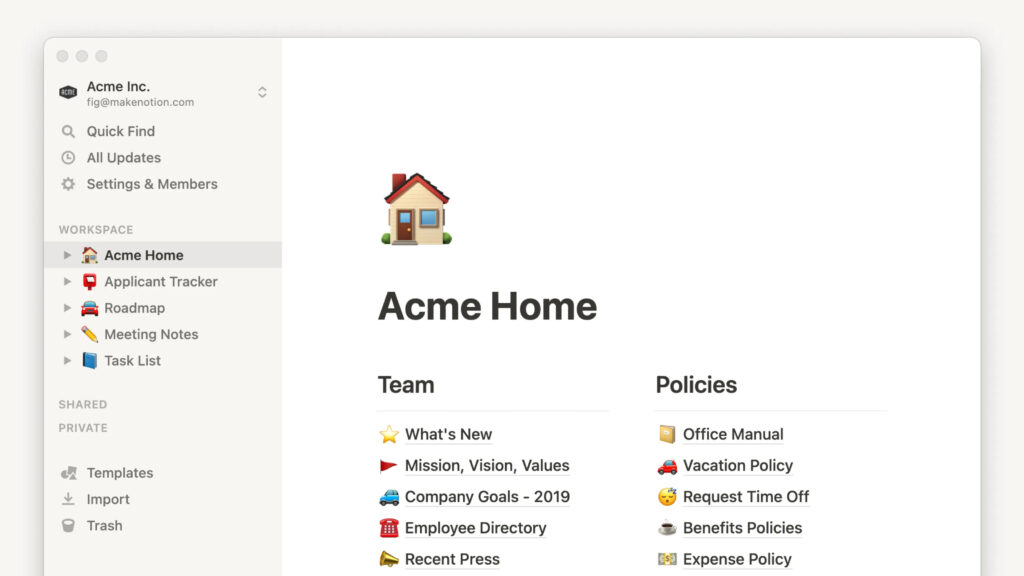
At CodePulse, Notion is where all the non-code project knowledge lives. Every client gets a shared Notion workspace when a project kicks off. Inside it: the project brief, the agreed scope of work, meeting notes, design decision logs, and a running list of open questions.
The result? Clients always know where the project stands without needing to ping us for an update. We spend less time on status emails and more time actually building. And when a new team member joins a project mid-way, everything they need is already documented.
The other quiet win: Notion forces you to write things down. Decisions get documented. Scope changes get recorded. When a client later asks “why did we go with X instead of Y?”, the answer is already there.
The free tier covers: unlimited pages and blocks for individuals, and generous limits for small teams. Notion expanded its free tier significantly — most small studios won’t hit the ceiling.
Honest caveat: Notion is a blank canvas. If you don’t invest time upfront in building a structure that works for your team, it becomes a dumping ground.
Best for: studios, agencies, and freelancers who manage multiple clients and want a single source of truth for every project.
> Want our project brief template? We use a standard Notion template for every new client. Get in touch and we’ll share it with you.
—
5. Loom — async updates that clients actually watch
Here’s a problem every agency faces: clients want to feel informed, but scheduling a call for every small update is exhausting for everyone involved. So updates get skipped. Questions pile up. Trust quietly erodes.
Loom fixed this for us.
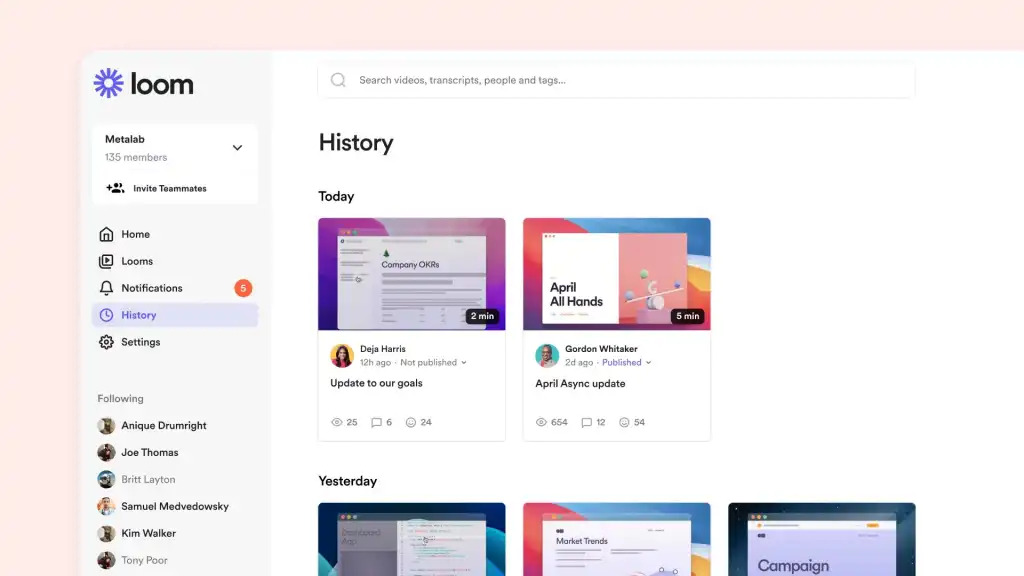
Loom lets you record your screen and face simultaneously, creating a short video that clients can watch on their own time, pause, rewind, and respond to with a comment or emoji reaction. No scheduling required. No calendar invite. Just a link.
Our process: at the end of every significant development sprint, a member of our team records a 3–5 minute Loom walking the client through what was built, what’s coming next, and anything that needs their decision. Clients watch it when it suits them — often the same evening — and leave their feedback as a comment.
Three minutes of Loom replaced thirty-minute status calls. Our clients love it because it respects their time. We love it because our calendar is no longer destroyed by weekly syncs.
It also creates an automatic record of every update we’ve ever delivered. Accountability in both directions.
The free tier covers: unlimited videos up to 5 minutes each, viewer reactions, basic analytics.
Honest caveat: 5 minutes is the limit on the free plan. For most progress updates, that’s enough — even a tight constraint. If you regularly need longer recordings, the paid plan is reasonably priced.
Best for: any client-facing team that wants to reduce meetings, improve communication, and build client trust without extra overhead.
—
Bonus: when we do go paid (and why)
Transparency matters. We’re not allergic to paid tools — we just treat them like any business decision: the ROI has to be obvious before we commit.
A few examples of where we’ve crossed into paid territory:
– GitHub Teams — when a project has multiple developers working across private repos simultaneously, the collaboration features on the paid plan are worth it.
– Figma’s professional plan — for larger client engagements where version history and branching become critical, we upgrade for that specific project.
The rule is simple: we go paid when the free tier is genuinely limiting our work — not just when a sales email makes a compelling case.
—
The bottom line
Five tools. Zero monthly cost. No compromises on quality or client experience.
The best tool stack isn’t the most expensive one — it’s the one your team actually uses, consistently, across every project.
If you’re building your own studio’s stack from scratch, start with these five. Get them working well together before you add anything else. You’ll be surprised how far they take you.
—
What’s in your free stack? Drop your favourite tools in the comments — we’re always curious what other studios are building with.
And if you’re working on an app and want a team that’s efficient by design — let’s talk . We’d love to hear what you’re building.
—
*CodePulse Studios is a software development studio based in Karachi, Pakistan. We design and build mobile and web applications for startups and growing businesses.*